Submitting an Assignment Request
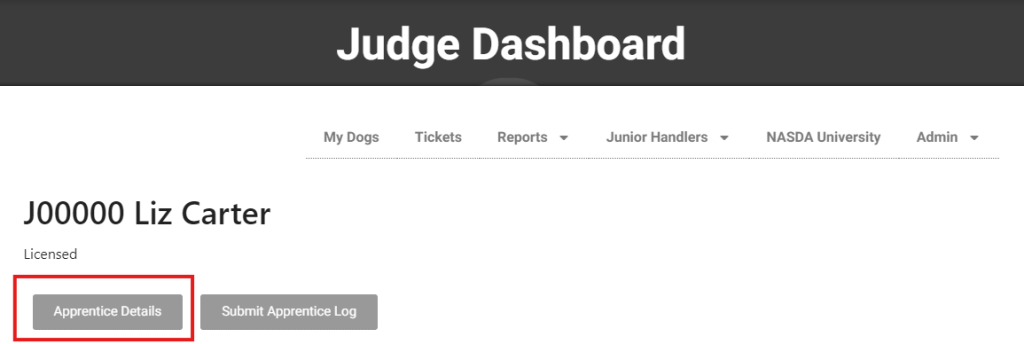
Assignments must be approved by a NASDA administrator. Requests must be submitted utilizing the Apprentice Request form accessed from your judging dashboard under “Apprentice Details.”
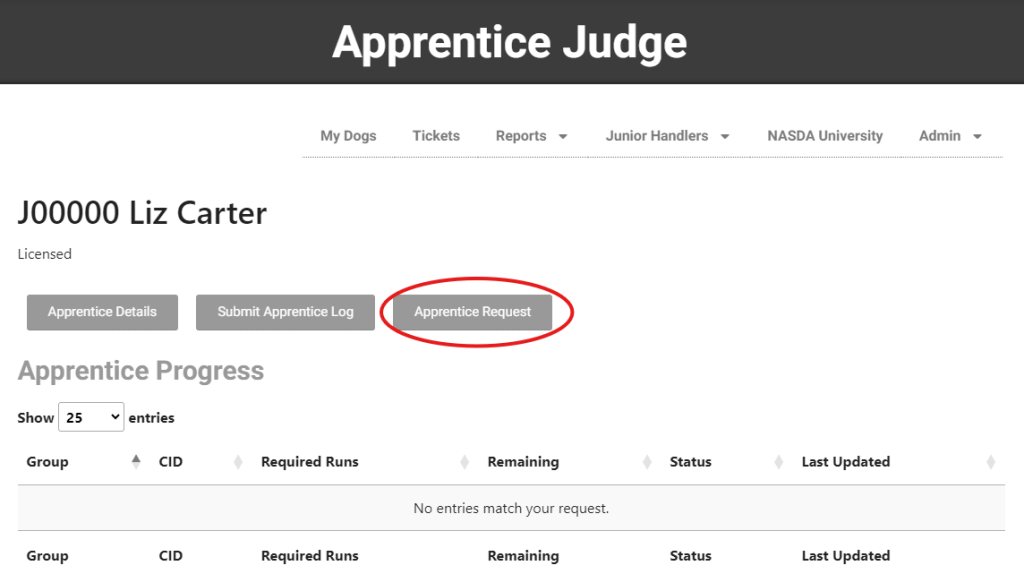
Click “Apprentice Request”
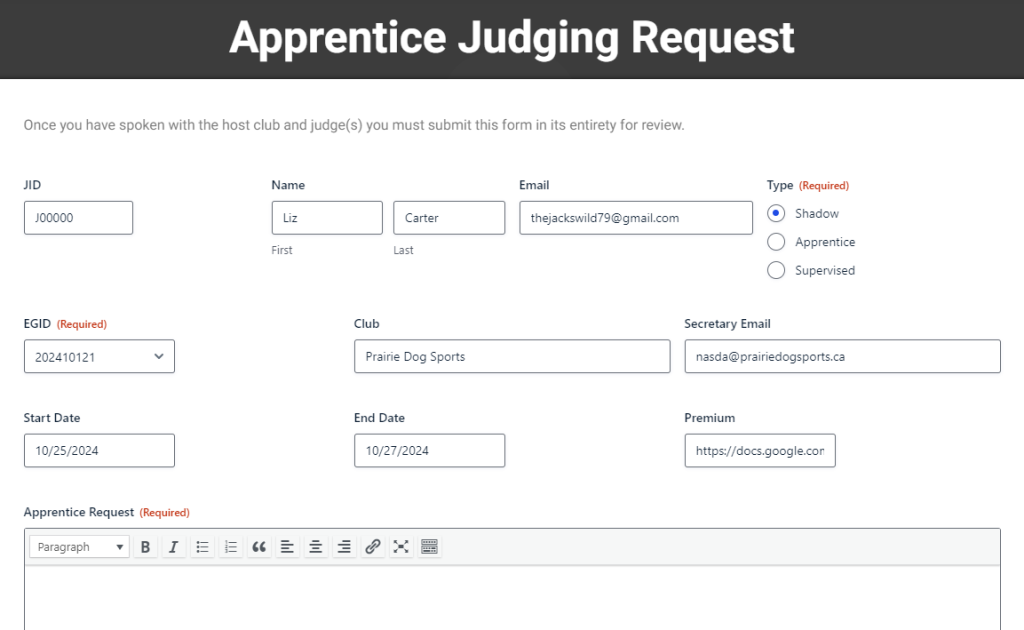
Your JID (Judge ID), name and email will automatically populate.
Select the type of assignment (Shadow, Apprentice, Supervised)
Select the EGID (Event Group). The Event Group can be obtained from the host club or clicking on event details for any event. This will automatically populate the club, trial secretary, event dates and premium.
In the “Apprentice Request” field, provide a detailed description of what class(es) you would like to apprentice for including judge(s) you would like to work with. If you plan to run your dog(s), what classes and levels are you hoping to enter.
Click “Submit” to send your request to the administrative team.
Requests must be made in writing and logs will not be accepted for unapproved apprentice assignments.
As our judging education program continues to grow, we are developing a mentor judge program that will help us best continue to education our judges. At this time, judges may be limited to the number or types of apprentices taken on based on experience, regionality or other mitigating factors.