Submitting Initial Results Tutorial
Log into https://nasda.dog
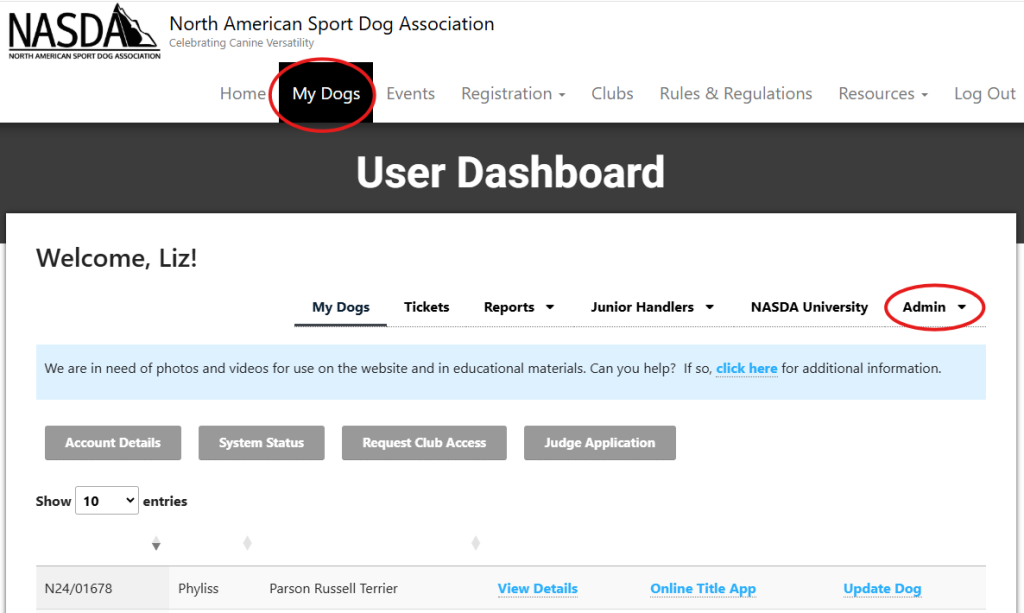
From the “My Dogs” page select “Club Admin” from the Admin menu.
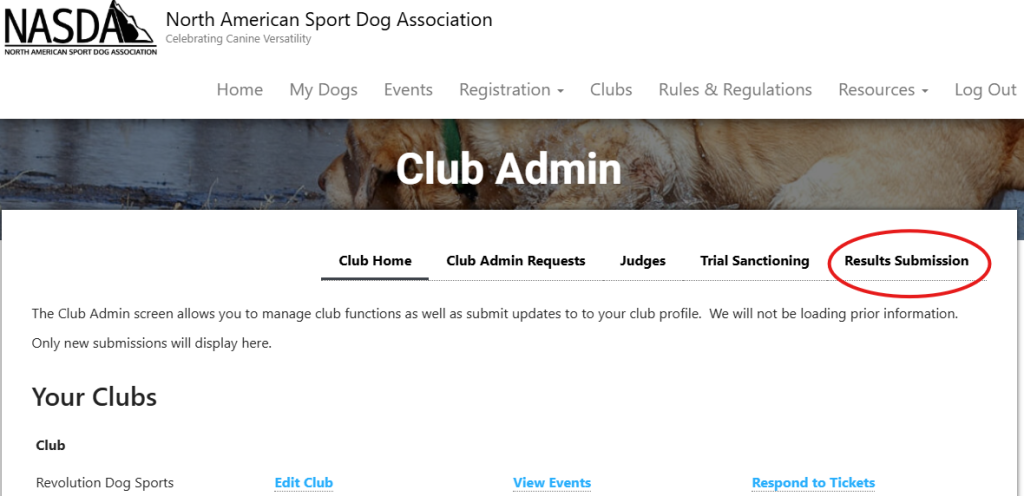
Click “Results Submission”
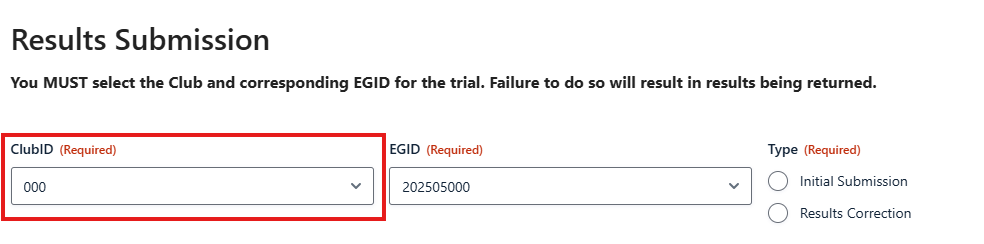
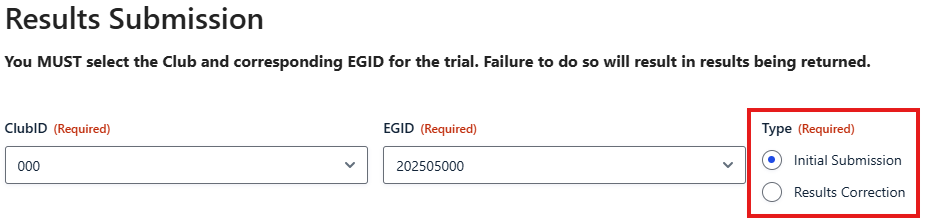
Select the club from the drop down menu.
Select the Event Group ID (EGID) from the drop down.
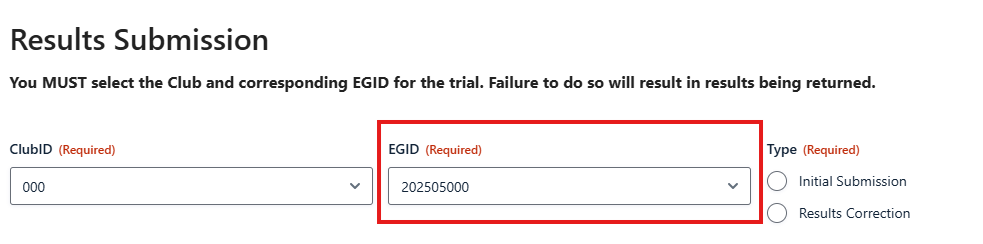
Select “Initial Submission”
Enter any notes to NASDA administration in the “Club Notes” seciont.

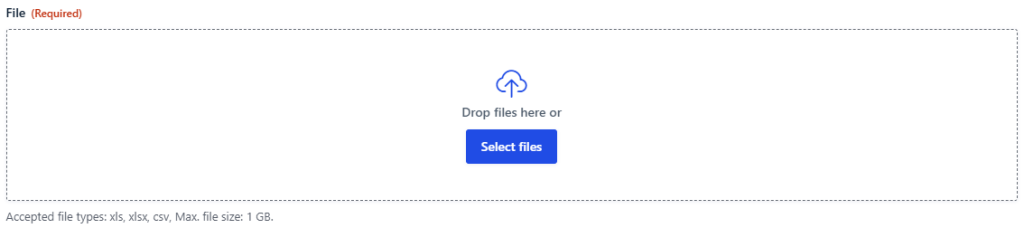
Click “Select Files” to upload the event results from your computer.
Enter the quantity of regular runs and virtual runs. The system will automatically calculate late fees.

Enter your billing address and payment information then click “Submit.”